

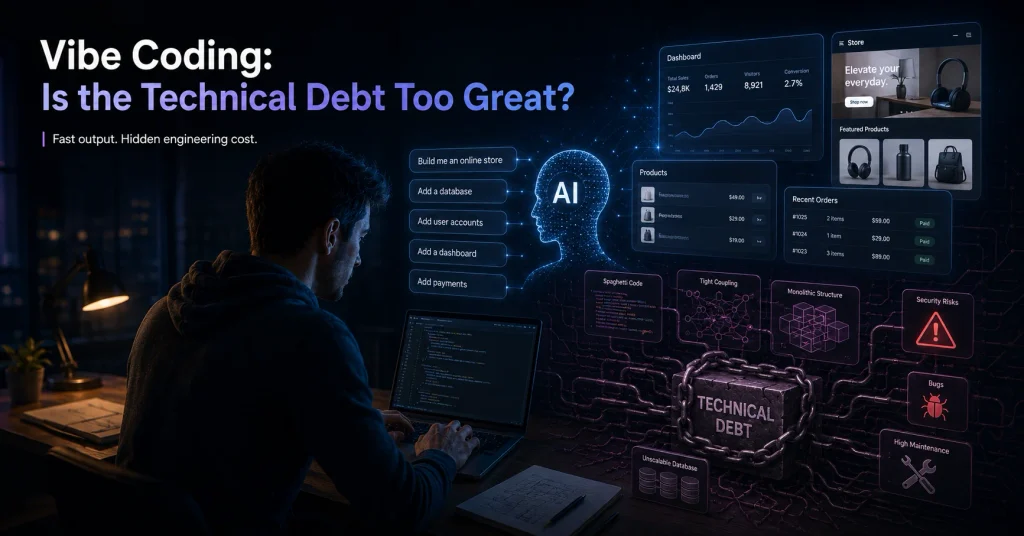
Software development has become more accessible than ever. AI can generate code like a software developer, website builders can produce entire layouts as online platforms make it possible to assemble an application in a matter of hours.
But producing code is not the same as solving a business problem.
A system can look impressive in a demonstration and still fail when it encounters real customers, thousands of products, unreliable internet, unusual data or the everyday habits of the people expected to use it.
A good software developer has the ability to understand a client’s goals, translate those goals into a practical system, anticipate problems and remain accountable for the result.
AI as a Software Developer
Artificial intelligence has changed software development completely and developers can now use AI to generate functions, troubleshoot errors, create interfaces and explore possible solutions much faster than before.
This reduces development time and makes certain projects more affordable, however, AI does not automatically understand the business behind the request. AI responds to the information it receives and if the request is vague, incomplete or based on an incorrect assumption, the generated solution may also be vague, incomplete or unsuitable.
For example, a business owner might ask:
“Build a system that automatically updates our product prices.”
An AI tool could generate code that imports a price list and updates the corresponding products. On the surface, the task appears complete, but an experienced developer would first ask:
- What happens when more than one supplier sells the same product?
- Should the cheapest supplier always be selected?
- Should the system consider supplier stock levels?
- Are delivery times important?
- Should existing margins be preserved?
- Are some products priced manually?
- What happens when a supplier removes a product from its feed?
- Should a sudden price increase be applied automatically or sent for approval?
- How should failed or incomplete updates be reported?
- Should promo pricing be enabled for a limited time?
- Can updates be reversed if incorrect information reaches the live website?
These questions reveal the difference between generating code and engineering a dependable business system.
AI is extremely useful when it is directed by someone who understands software architecture, data, security and business processes. It becomes far less reliable the user expects it to discover every hidden rule on its own.
A good developer does not merely copy an AI-generated answer into a project1, the developer evaluates it, adapts it, tests it and determines whether it is appropriate for the client’s actual circumstances.
The most valuable role of an experienced developer is often not writing the individual lines of code. It is knowing what the road map looks like to develop and implement a stable and secure system
AI can accelerate development, but experience gives that acceleration a direction.

A Software Developer must Understand the Current System FULLY
Before designing a new system, a good developer tries to understand the system that already exists.
That system may consist of software, spreadsheets, emails, handwritten notes and processes that employees have developed over several years, even if the current process is inefficient, it often contains important business rules that are not written down anywhere and this is crucial in making sure that the new system will integrate smoothly.
Suppose a company wants to replace a spreadsheet-based stock-management process. The obvious solution might be to reproduce the spreadsheet as a web application. However, simply rebuilding the same fields and buttons could carry the old process’s problems into the new system.
A better development process begins by observing how the spreadsheet is actually used:
- Where does the information come from?
- Who captures or imports it?
- Which fields are regularly changed?
- Which calculations happen automatically?
- Which decisions require a manager’s approval?
- What mistakes occur most frequently?
- Which parts of the process frustrate employees?
- What information is needed at the end?
- Which exceptions are currently handled manually?
- Which other systems depend on the result?
This allows the developer to understand not only what the users do, but why they do it.2
Understanding user comfort
A new system should improve the process without making everyday work unnecessarily difficult.
For example, employees who currently update products from a single spreadsheet may become frustrated if the replacement system forces them to open five separate pages to complete the same task. The new system may be technically more advanced, but the user experience has become worse.
A good developer considers:
- The users’ technical ability
- The devices they work on
- How frequently they perform each task
- Which information they need to see together
- Which actions should require confirmation
- Which processes can safely be automated
- Where human review is still necessary
Clarifying requirements and limitations
This discovery process should also reveal limitations early.
A third-party platform may not provide the required data. An older system may not support modern integrations. A client’s budget may not cover every requested feature in the first phase. An automated process may still require human approval because the financial risk is too high.
These limitations should be discussed before substantial development begins.
A good developer does not treat questions as an inconvenience. Questions are part of the engineering process. Every important clarification made before development can prevent a much more expensive misunderstanding later.

A Software Developer Translates Technical Decisions into Business Consequences
Clients should not need a software development qualification to understand decisions about their own project.
A good developer explains technical choices in terms of their effect on the business.
| Instead of only saying… | A good developer explains… |
|---|---|
| “We need an API.” | The API will allow the two systems to exchange information automatically, reducing duplicate data capture. |
| “The database needs indexing.” | This will help searches remain fast as the number of customers, products or transactions increases. |
| “We should not build that feature yet.” | The feature will add two weeks to the project but is unlikely to affect the initial return on investment. |
| “This creates technical debt.” | The shortcut may reduce the initial cost, but future changes will become slower and more expensive. |
| “We need automated backups.” | If information is corrupted or deleted, the business will have a recent recovery point. |
| “The system needs logging.” | When something goes wrong, the cause can be investigated instead of relying on guesswork. |
| “We should use role-based access.” | Employees will only be able to view or change information relevant to their responsibilities. |
Technical decisions influence cost, performance, security, maintainability and risk and the developer should make those consequences understandable.
This does not mean that every minor implementation detail needs to be discussed with the client. It means that decisions affecting the project’s outcome should never be hidden behind technical terminology.
The client should be able to understand:
- What is being recommended
- Why it is being recommended
- What it will cost
- What risk it addresses
- What the alternatives are
- What happens if it is postponed or excluded
A good software developer helps the client make informed decisions instead of expecting blind trust.
The Developer Communicates Honestly—even When the News Is Uncomfortable
Software projects do not always proceed exactly as expected.
An external service may change its API. Existing data may be less reliable than anticipated. A requested integration may have limitations that were not documented or testing may uncover a problem that requires part of the solution to be redesigned.
The quality of a developer is often revealed by how these moments are handled.
Consider two developers facing the same unexpected integration problem.
The first developer says nothing and hopes to solve it before the deadline. As the deadline approaches, communication becomes less frequent. The client only discovers the problem once delivery has already been missed.
The second developer informs the client as soon as the problem is properly understood. The developer explains:
- What happened
- Which part of the project is affected
- What has already been investigated
- Which alternatives are available
- How the cost or timeline may change
- What decision is required from the client
The second conversation may be uncomfortable, but it allows the client to plan.
Honest communication also applies to budgets and scope. When a client requests additional functionality, a good developer explains whether it forms part of the original agreement or represents new work.
Similarly, a trustworthy developer should be willing to say:
- “I need to investigate this before giving you an answer.”
- “That timeline is not realistic for the requested scope.”
- “This feature introduces a security risk.”
- “There is a simpler and less expensive way to achieve the same outcome.”
- “The mistake occurred in our implementation, and this is how we will correct it.”
Good communication does not mean pretending that problems never happen. It means making sure the client is not surprised by problems that were already known.
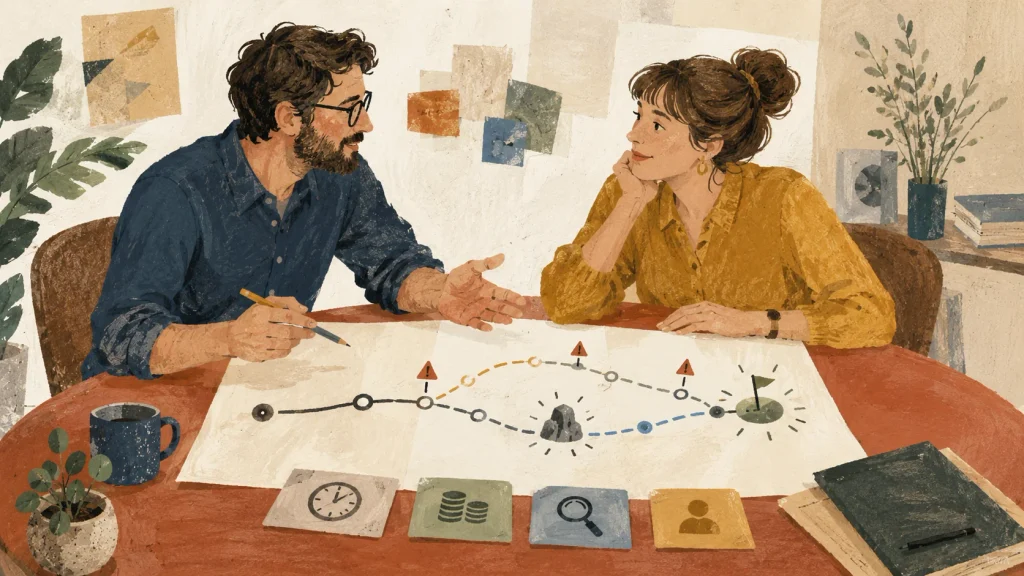
The Software Developer Thinks About What Can Go Wrong
Problem-solving is one of the most important qualities in a software developer.
Inexperienced development often focuses only on the expected path:
- The user enters the correct information.
- The system processes it successfully.
- The internet remains available.
- The external service responds correctly.
- The result is saved.
- Nothing unexpected happens.
Real businesses do not operate under perfect conditions.
A good developer asks what should happen when:
- A user enters incomplete or incorrectly formatted information
- The internet disconnects during an important action
- The same payment or order is submitted twice
- Two employees edit the same record
- A supplier sends duplicate products
- A spreadsheet suddenly contains different column headings
- An external service becomes unavailable
- A user deletes something accidentally
- A scheduled process fails during the night
- A database contains thousands of times more information than the test environment
- A user attempts an action without the necessary permission
This is not pessimism. It is responsible engineering.
Problem-solving means understanding the cause
A developer should also investigate the source of a problem instead of repeatedly treating its symptoms.
Imagine an online store where incorrect prices keep appearing. It may be tempting to add another rule that corrects the price after it has been published. However, the real cause could be incorrect supplier mappings, a rounding error, duplicated imports or conflicting pricing rules.
Adding more patches without understanding the underlying cause can make the system increasingly unpredictable.
A good problem-solving process usually involves:
- Reproducing the problem
- Gathering relevant information
- Identifying the actual cause
- Evaluating the effect of possible solutions
- Correcting the problem
- Testing for related failures
- Monitoring the result after deployment
Good developers do not merely make an error message disappear. They try to understand why it appeared and how to prevent it from returning.
They Balance ROI, Timeline and Quality
Every software project operates within constraints. Clients have budgets, deadlines and business objectives. The developer’s responsibility is to help find the most sensible balance between them.
There is rarely a single perfect solution.
| Priority | What happens when it dominates the project? |
|---|---|
| Lowest possible cost | Important testing, documentation or reliability measures may be excluded. |
| Fastest possible delivery | Shortcuts may create maintenance problems or limit future growth. |
| Highest possible quality | The project may become over-engineered, expensive and slow to deliver. |
| Maximum number of features | The core business problem may receive less attention. |
| Long-term flexibility | The initial solution may require more planning and investment. |
The correct balance depends on the project.
A short-lived internal prototype does not require the same architecture as a payment system that will process thousands of customer transactions, while a small automation used by one employee does not need the same infrastructure as a public platform used by hundreds of businesses.
Return on investment should guide priorities
A feature is not automatically valuable because it is technically impressive.
Suppose a business spends 20 hours per month combining reports manually. An automation that reduces the process to one hour could recover its development cost relatively quickly.
By comparison, an advanced dashboard animation may look attractive without improving productivity, increasing sales or reducing risk.
A good developer helps distinguish between:
- Features that directly solve the main problem
- Features that improve the user’s daily experience
- Features that reduce financial or operational risk
- Features that can wait for a later phase
- Features that add cost without meaningful value
Delivering in phases
For many projects, the best balance is achieved through phased development.
The first phase can deliver the essential workflow, while later phases can introduce additional reports, integrations and automation once the core system has been proven in practice.
This approach allows the client to receive value sooner while reducing the risk of investing heavily in features that may change after users begin working with the system.
A good developer protects quality where it matters, avoids unnecessary complexity and keeps the project connected to a measurable business outcome.

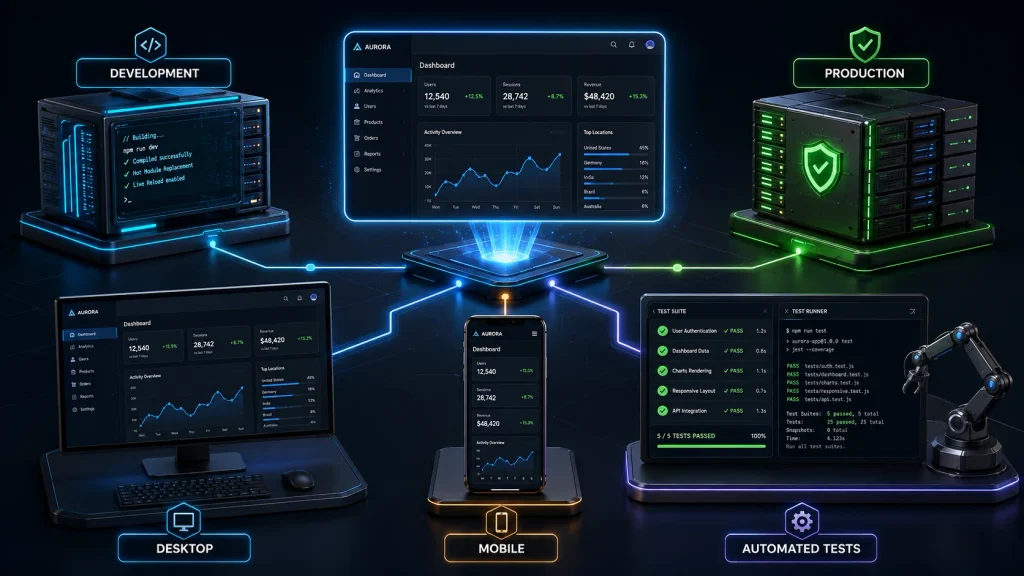
They Test Beyond “It Works on My Computer”
A system working on the developer’s computer is only the beginning.
The development environment is usually controlled, for example, the developer may have fast internet, full administrative access, clean test data and have all the required software already installed.
The client’s production environment may be very different.
Users may have:
- Slower computers
- Different browsers
- Mobile devices
- Limited permissions
- Unstable internet connections
- Older files containing inconsistent data
- Much larger volumes of information
- Several employees using the system simultaneously
For example, a product importer may work perfectly with 20 sample products but fail when it processes a catalogue containing 10,000 products. A website may display correctly on the developer’s monitor but become difficult to use on a customer’s phone. An application may work while the developer is signed in as an administrator but prevent ordinary employees from completing their tasks.
Testing should therefore represent the conditions in which the software will actually operate.
A dependable developer does not assume that a successful demonstration proves the system is ready. The developer checks whether it remains usable, secure and stable when exposed to realistic users, data and infrastructure.
A Good Software Developer Perform Different Types of Testing
No single test can prove that an entire system works correctly. Different tests answer different questions.3
| Type of testing | What it helps confirm |
|---|---|
| Functional testing | Individual features perform the actions described in the requirements. |
| Integration testing | Connected systems exchange and interpret information correctly. |
| User acceptance testing | The software supports the client’s real workflow and expectations. |
| Performance testing | The system remains responsive with realistic data and usage volumes. |
| Security testing | Users cannot access information or actions for which they are not authorized. |
| Error-handling testing | Failures are handled safely and provide useful information. |
| Compatibility testing | The software works on the required browsers, devices or operating systems. |
| Regression testing | New changes have not broken features that previously worked. |
| Deployment testing | The software works in the production environment, not only during development. |
| Recovery testing | Backups and recovery procedures work when they are actually needed. |
Development and production are not identical
A developer usually builds and tests software in a development or staging environment before being releasing it to production.
The production environment may use different:
- Server settings
- Domain names
- Security rules
- User permissions
- Databases
- Email services
- Payment credentials
- Storage locations
- Third-party integrations
This is why deployment itself needs to be tested.
A good developer also plans for the possibility that a deployment may fail. Depending on the project, this may include taking a backup, recording the previous version and preparing a rollback process.4
The client is part of testing
Developers can test whether a button technically works, but the client is often best positioned to determine whether the result makes sense for the business.
Before launch, representative users should be given an opportunity to test common tasks and confirm that the system matches their workflow.
Useful questions include:
- Can users complete their most frequent tasks easily?
- Are the calculations correct according to the business’s rules?
- Are error messages understandable?
- Are important actions sufficiently protected?
- Is the correct information available to the correct users?
- Does the system behave correctly with real-world data?
- Can the business continue operating if part of the system becomes unavailable?
Testing is not an event performed once at the end. It should take place throughout development and continue when meaningful changes are introduced.
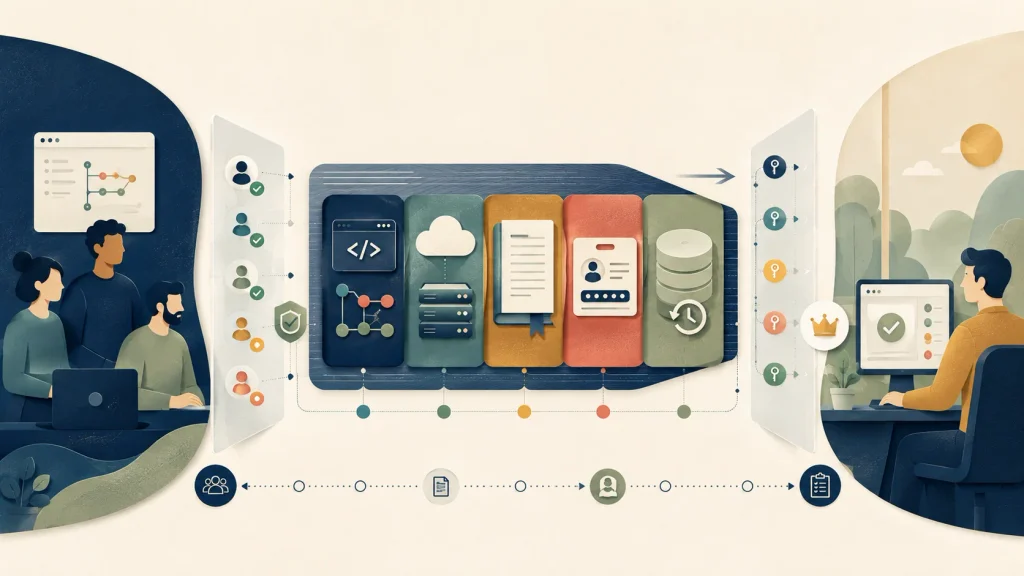
They Do Not Make the Client Unnecessarily Dependent on Them
A client may continue using the same developer for many years because the relationship is valuable. That is very different from being unable to leave because the developer controls everything.
Unnecessary dependency becomes dangerous when:
- The domain is registered in the developer’s personal account
- The client cannot access its own hosting
- Only the developer knows the administrator passwords
- Source code is stored on one private computer
- There is no documentation
- Backups cannot be accessed or restored by anyone else
- The client does not know which services are being paid for
- No one else can understand how the system works
Consider a company that asks a new developer to update its website. The company then discovers that the former developer owns the domain, hosting account and important third-party subscriptions. Even though the company paid for the website, it cannot independently control its digital assets.
A good developer helps establish clear ownership and access arrangements from the beginning.
Clients should know:
- Who owns the source code
- Where the source code is stored
- Who owns the domain and hosting accounts
- Which third-party services are being used
- Who has administrative access
- How credentials are stored
- Which recurring costs exist
- What documentation will be provided
- How another developer could take over if necessary
This does not mean making confidential source code public or giving every employee unrestricted access. It means ensuring the client is not locked out of its own business systems.
A professional developer should aim to remain valuable through service, knowledge and results—not through dependency.
They Consider Maintenance from the Beginning
Software is rarely finished forever on the day it launches.
Operating systems change. Browsers are updated. External services modify their integrations. Security vulnerabilities are discovered. The business introduces new products, employees and workflows.
Maintenance should therefore be considered during the initial design.
A maintainable system may include:
- Clearly structured source code
- Appropriate technical documentation
- Error logging
- Monitoring
- Automated or repeatable deployment processes
- Database backups
- Recovery procedures
- Security updates
- Dependency management
- Records of important technical decisions
- A process for reporting and prioritizing problems
Maintenance is not the same as continuous rebuilding
Well-designed software should not require constant repairs simply to perform its original function. However, even reliable systems operate within environments that change over time.
For example, an integration may stop working because an external provider changed its authentication process. A website plugin may require an update after a security vulnerability is discovered. A business may outgrow the server capacity that was entirely sufficient when the project began.
The developer should explain:
- What ongoing maintenance is expected
- Which services have recurring costs
- How updates will be handled
- What support is included
- What counts as a fault
- What counts as a new feature
- How urgent problems will be prioritized
- How the system will be monitored
Considering maintenance from the beginning reduces future disruption and makes the long-term cost of the software more predictable.
Red Flags When Choosing a Developer
Technical ability can be difficult for a client to assess before a project begins. However, several warning signs can still be identified during the early conversations.
| Red flag | Why it matters |
|---|---|
| The developer provides a firm quote before understanding the requirements. | Important work may have been overlooked, leading to unexpected costs or an incomplete solution. |
| Every request is accepted without questions. | The developer may not be considering risks, limitations or better alternatives. |
| The timeline sounds unrealistically short. | Testing, planning and deployment may not have been properly included. |
| Technical language is used to avoid direct answers. | The client may struggle to understand what is being delivered or why decisions are being made. |
| There is no clear development process. | Progress, feedback and responsibilities may become difficult to manage. |
| Testing is barely discussed. | The client may become the first person to test the software properly after launch. |
| Ownership and access are unclear. | The client could become dependent on the developer or lose access to important assets. |
| Security and backups are treated as optional details.5 | Business data and operations may be exposed to avoidable risk. |
| The developer cannot explain previous work clearly. | The work may not have been completed by them, or they may not fully understand it. |
| Scope changes are handled informally. | Cost and delivery disputes become more likely. |
| The developer repeatedly disappears when problems occur. | Communication usually becomes even more important when a project is under pressure. |
| AI-generated answers are presented without validation. | The solution may look convincing while containing incorrect assumptions or unreliable code. |
One warning sign does not always mean the developer is unsuitable. However, repeated uncertainty around communication, ownership, testing and accountability should be taken seriously.
30 Questions You Can Ask Before Hiring a Software Developer
Clients do not need to conduct a technical examination. The goal is to understand how the developer thinks, communicates and manages a project.
Consider asking the following questions:
Understanding the project
- How will you learn about our current process?
- What information do you need before recommending a solution?
- Which assumptions are included in your proposal?
- Are there any parts of the requirement that are currently unclear?
- Are there simpler or less expensive ways to achieve the same result?
Cost, scope and timeline
- What is included in the estimate?
- What is specifically excluded?
- How will additional requests be quoted and approved?
- Which factors could change the cost or delivery date?
- Can the project be delivered in phases?
- How will we measure whether the project has provided a return on investment?
Development and testing
- How will we review progress during development?
- Will we have access to a testing environment?
- What types of testing will be performed?
- Will the system be tested with realistic volumes of data?
- How will issues discovered after launch be handled?
- What happens if deployment fails?
Security and ownership
- Who will own the source code?
- Who will control the hosting, domain and service accounts?
- How will access credentials be managed?
- How will our data be protected?
- Will backups be created, and has the recovery process been tested?
- Can another developer take over the project if necessary?
Support and maintenance
- What documentation will be supplied?
- Will users receive training?
- What support is included after launch?
- What ongoing maintenance will be required?
- Are there recurring third-party costs?
- How are urgent problems reported?
- How do you distinguish between fixing a fault and building a new feature?
A capable developer should be able to answer these questions clearly or explain what must still be investigated. Be cautious of answers that rely heavily on jargon without providing practical information.
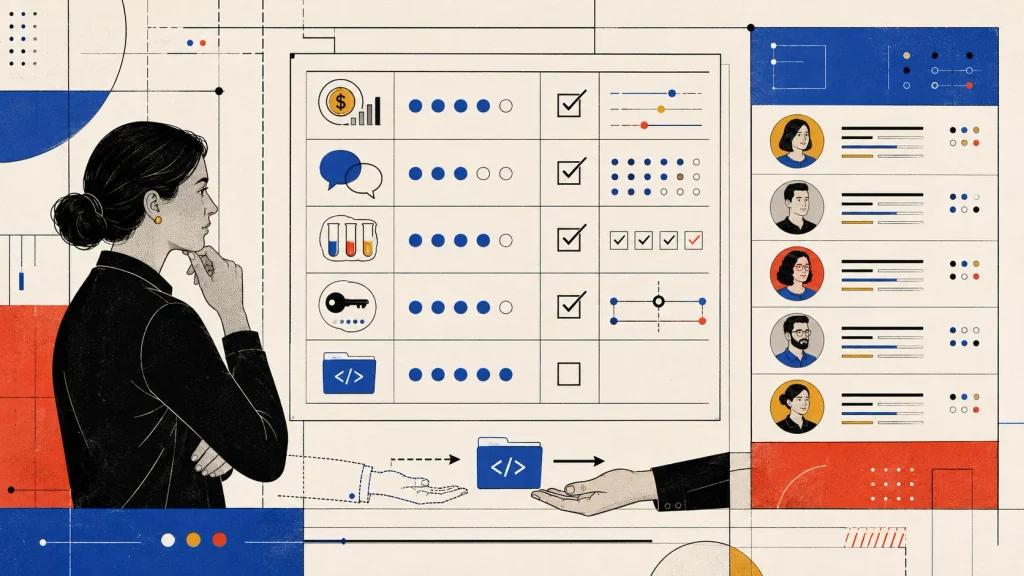
Conclusion: Choose a Partner, Not Only a Programmer
A programmer can write instructions that a computer understands. A strong development partner must also understand the people, processes and business goals surrounding those instructions.
When choosing a developer, do not only ask:
“Can this person build the feature?”
Also ask:
“Can this person understand our business, guide our decisions and remain accountable for the outcome?”
The best software developers do more than deliver code. They become trusted problem-solving partners who help the business use technology with confidence.
Looking for a software development partner?
Based in South Africa and available to businesses locally and internationally, AUTOSCRIPTX develops practical software, automation and integration solutions around real business processes.
We begin by understanding the current workflow, identifying the underlying problem and determining which solution will provide meaningful value.
Contact AUTOSCRIPTX to discuss your project and the problem you would like to solve.

References and further reading
- https://docs.github.com/en/copilot/tutorials/review-ai-generated-code ↩︎
- https://www.gov.uk/service-manual/agile-delivery/how-the-discovery-phase-works ↩︎
- https://learn.microsoft.com/en-us/dynamics365/guidance/implementation-guide/testing-strategy-test-types ↩︎
- https://csrc.nist.gov/pubs/sp/800/218/final ↩︎
- https://docs.cloud.google.com/architecture/framework/reliability/perform-testing-for-recovery-from-failures ↩︎
Leave a Reply